Back to Help
How do I export my signature from Ensigniamail and import it into Roundcube
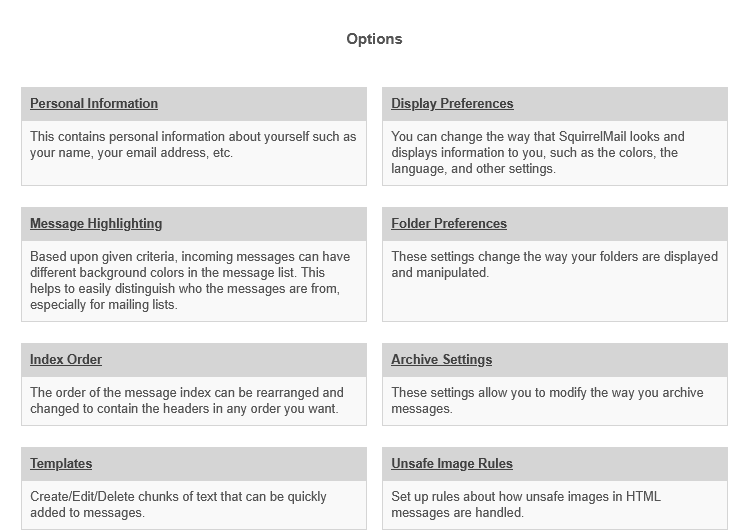
- In Ensigniamail go to Options at the top.

- Then click on Personal Information.
- Your personal information and signature will appear on this page.
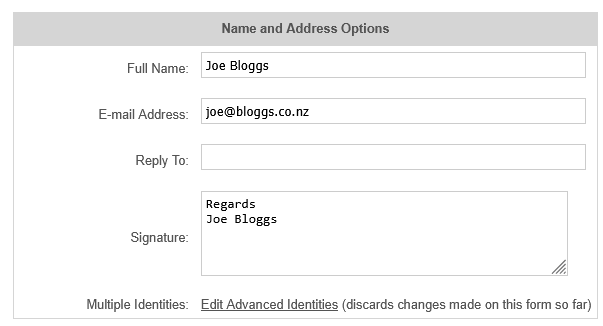
- If you have more than one Identity, click Edit Advanced Identities to view the list, including signatures for each identity
- Log in to Roundcube via https://mailx.hosts.net.nz/roundcube
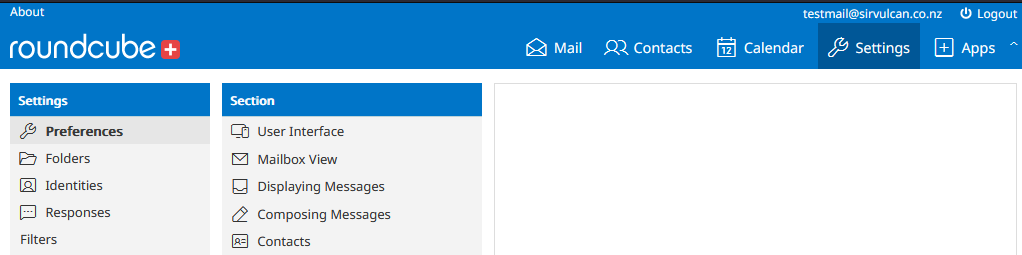
- Click on Settings at the top
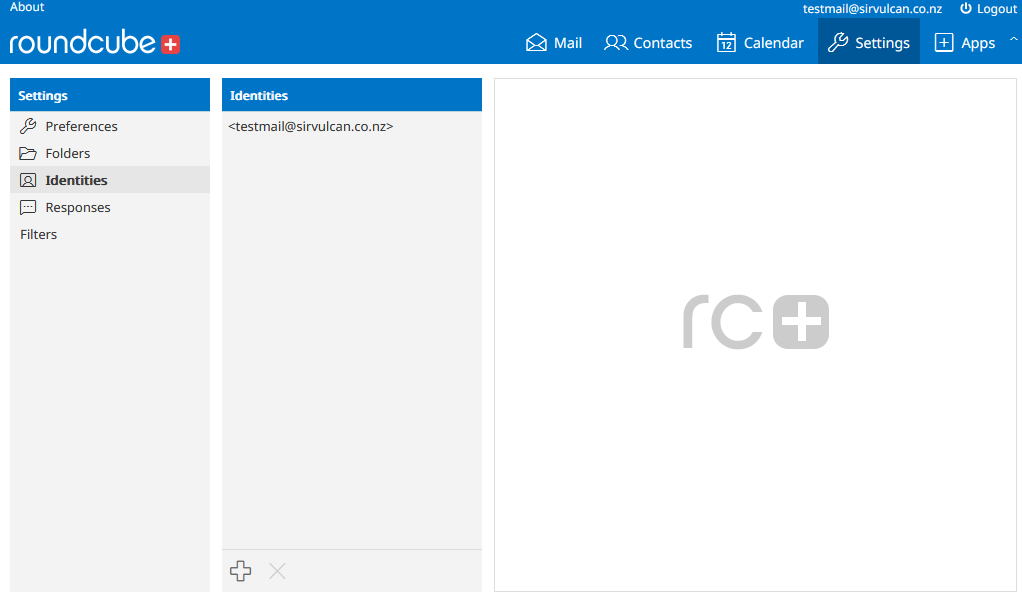
- Click on your primary email address in this list.
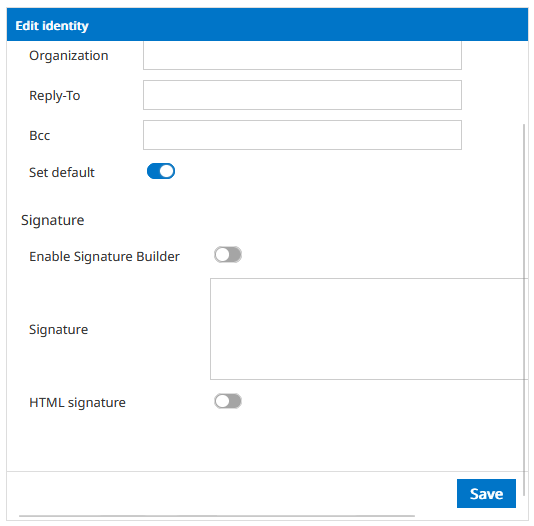
- Scroll down and paste your signature into the Signature field. Click Save when finished.
- To import additional identities, click on the + icon at the bottom of the page, fill in the details, and click Save.
Back to Help