Back to Help
How do I export my address books from Ensigniamail and import them into Roundcube?
- In Ensigniamail go to Addresses at the top.

- Scroll down to the bottom of the page.
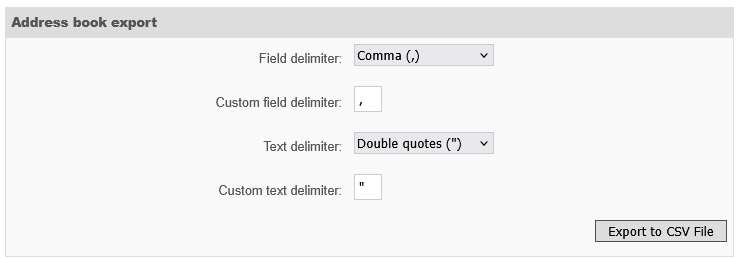
- Click on Export to CSV file. When prompted, download and save the file to your computer.
- Log in to Roundcube via https://mailx.hosts.net.nz/roundcube
- Click on Contacts at the top
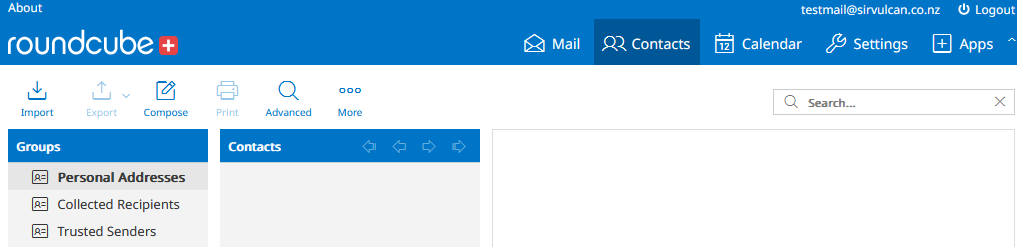
- Click on Import on the upper-left corner
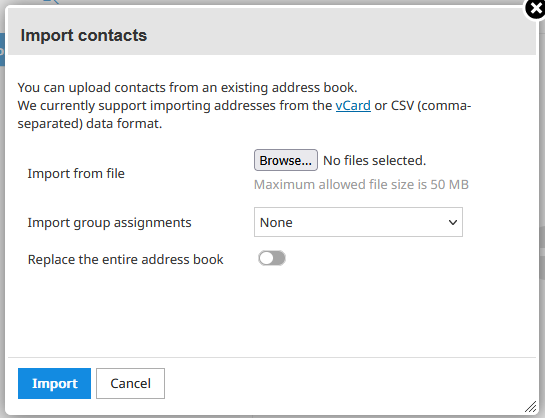
- Click Browse, select your previously downloaded CSV file, then click Import.
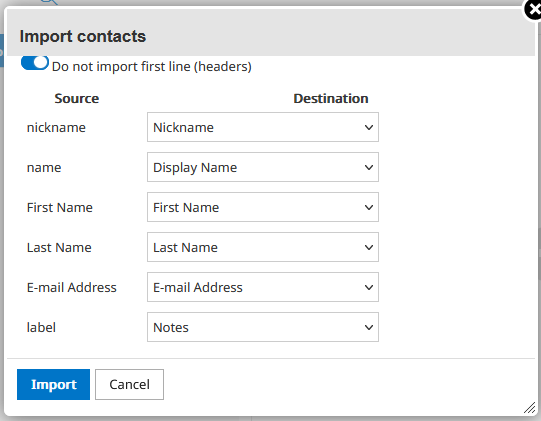
- Select the appropriate options from the dropdown menus, then click on Import again.
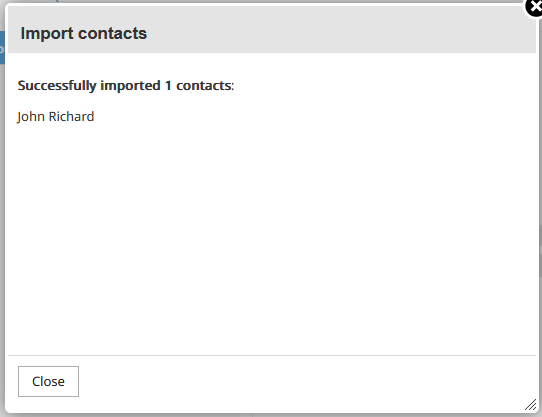
- Roundcube will display a summary of what has been imported. Click Close to finish.
Back to Help